
Real-time dictation
Audio streams to Deepgram Nova-3 over an authenticated WebSocket, so words appear while you are still speaking. Language auto-detect included.
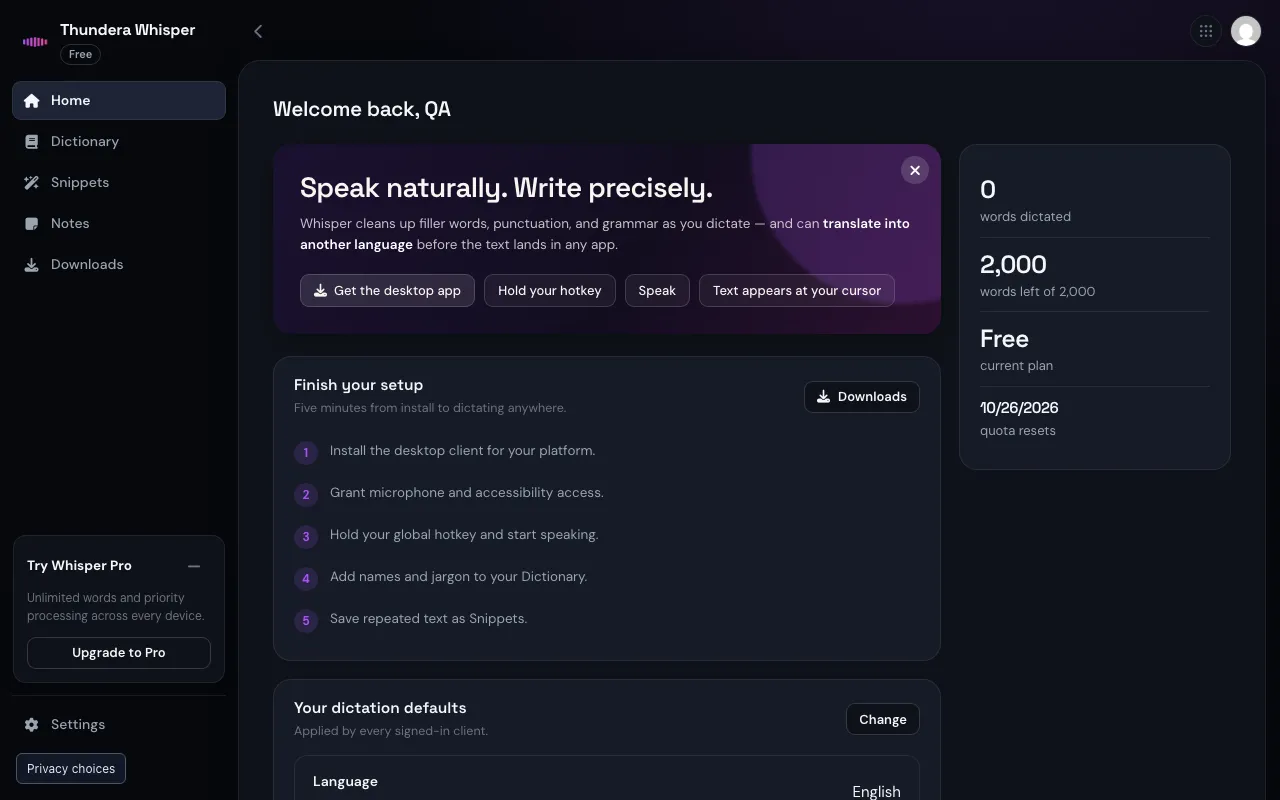
Hold a hotkey, talk, and clean punctuated text lands in whatever app has your cursor. Whisper learns your vocabulary, removes the filler and can translate as you go — on Mac, Windows, iPhone, Android and the web.
Free plan · one Thundera account · no card required
Features
Built for people who think faster than they type.
Audio streams to Deepgram Nova-3 over an authenticated WebSocket, so words appear while you are still speaking. Language auto-detect included.
Filler words, punctuation and grammar are fixed in one pass, in the tone you pick: concise, formal, casual or technical.
Set an output language and Whisper translates as it cleans up — 22 target languages, from a single dictation.
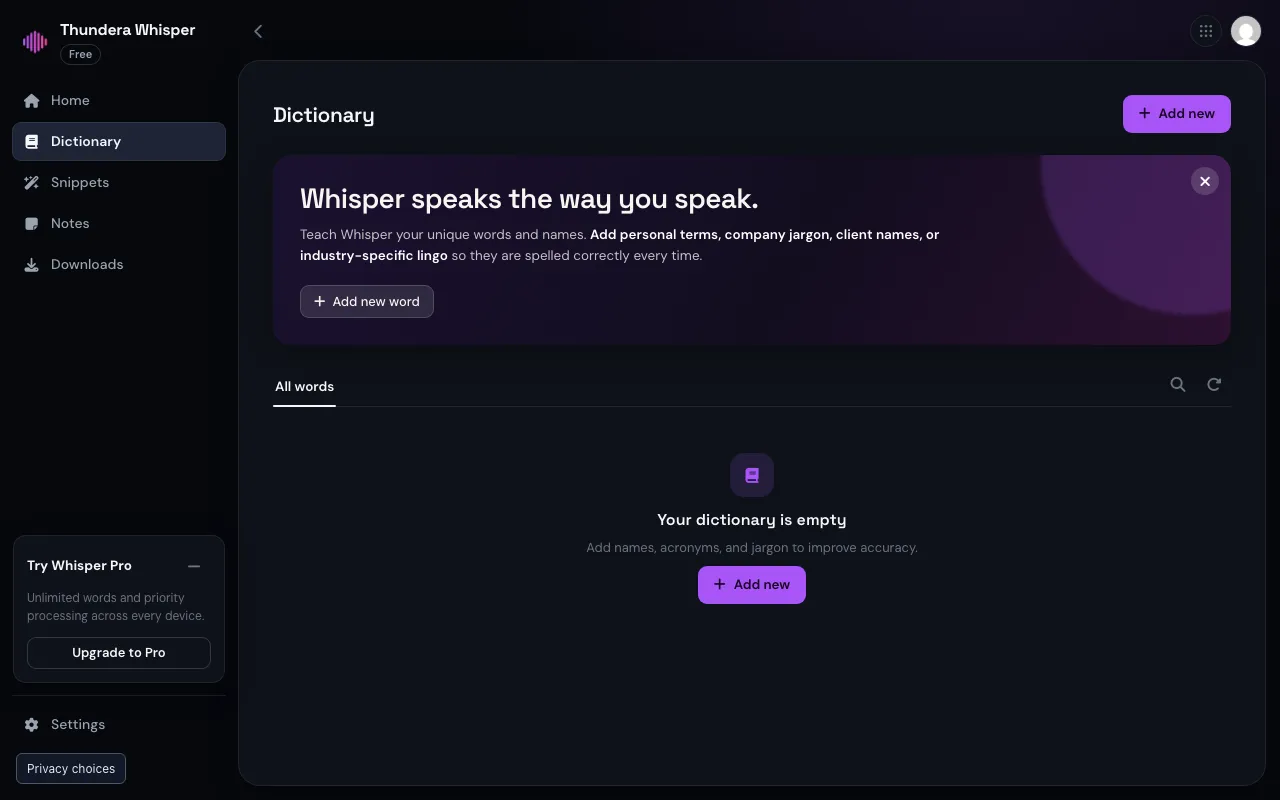
Teach it names, acronyms and jargon so they are spelled right every time. Shared with every device on your account.
Say a trigger phrase and a whole paragraph is pasted — addresses, replies, boilerplate. Up to 500 per account.
Select text, say “make it formal” or “summarize”, and Whisper rewrites it in place.
Developer mode
Turn on developer mode and choose a naming convention — camelCase, snake_case, PascalCase or kebab-case — so identifiers come out the way your codebase writes them. Per-app settings let you keep casual tone in chat and technical tone in your editor.
A per-user and per-organization privacy switch for regulated work.
Keep dictated notes in your account, next to your dictionary.
Org admins manage members and issue API keys for batch transcription (up to 25 MB per file).
If AI cleanup is ever unavailable, you still get your raw dictation — never a lost sentence.
One account
Vocabulary, snippets and settings sync through your Thundera account, so a term you add on your laptop is recognised on your phone a second later.
How it works
Use your Thundera account, then download the client for your platform from the app — or just use the web app.
The desktop clients need the microphone, and accessibility access on macOS so text can be typed into the focused app.
Double-tap Fn on Mac, Win+H on Windows, or tap the mic on the iPhone and Android keyboards.
Cleaned up, punctuated and, if you asked, translated.
Platforms
Menu-bar app, universal (Apple Silicon + Intel), macOS 14+. Signed and notarized.
System-tray app, x64 and ARM64, Windows 10 1903+.
A system keyboard with a mic key, plus an app for conversation-style translation. iOS 17+.
An input-method keyboard, Android 10+.
Manage your dictionary, snippets, notes and settings from any browser.
Pricing
Upgrades and invoices live at auth.thundera.eu. Plans come live from the Thundera catalogue — the same numbers you see at checkout.
Yes. Free includes 2,000 words a week (resets Monday 00:00 UTC) on every device. Pro and Team include 50,000 words a month.
Live dictation covers English, Spanish, Portuguese, French, German, Italian, Dutch, Japanese, Hindi and Russian, with auto-detect. Output can be translated into 22 languages.
No — transcription and cleanup need a connection. Your account data stays available in the web app.
You get the raw transcript. Whisper never drops your dictation.
Yes. Organizations use one Thundera account for billing and seats; see account settings.
At whisper.thundera.eu/docs, including the full API reference.
Start free with your Thundera account. Upgrade only if you love it.